JaniVisit
Manage visitors user-friendly, simply and securely
Integrated. Secure. Transparent.
Whether consultants, external companies or project staff – your company or institution constantly receives visitors who should have limited access to certain areas. To achieve this efficiently, Drakos offers you a comfortable module for visitor management with JaniVisit, which relieves your staff at the gate and reception while ensuring maximum security in your operation.
JaniVisit
New visitors with just a few steps
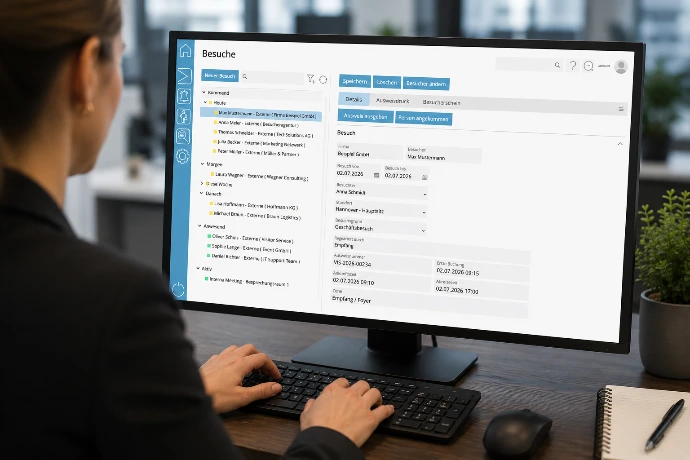
With JaniVisit you can register new visitors with just a few steps, directly assign the necessary spatial and temporal access rights, and print an ID card at the same time. To further simplify the registration, the information for a visit can also be entered in advance. This way, the reception staff only needs to select the correct entry, take over the arrival time, and issue the ID card when the guest arrives.
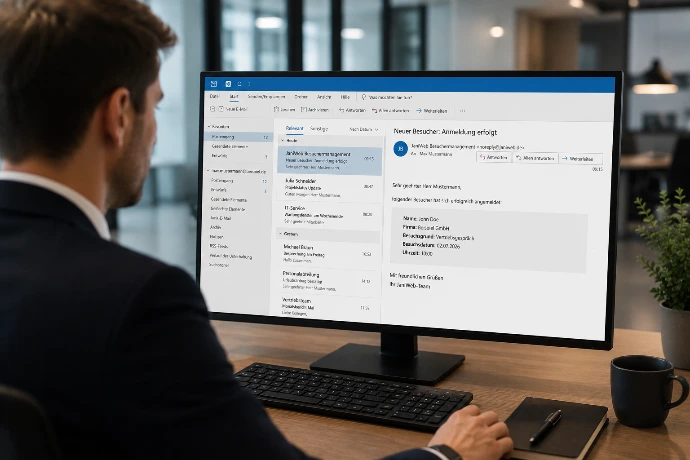
The visitor already receives a notification by email with the pre-registration. An ICS file can be attached to this email to import the appointment into Outlook. With JaniVisit Pro a QR code can also be sent, enabling convenient check-in.


Store additional information
JaniVisit offers the possibility to store additional information for each visitor, such as vehicle registration numbers and documents like identifications or safety instructions. Furthermore, individuals who are not allowed to enter the premises for certain reasons can be blocked in the system.
Since JaniVisit is JaniWeb-module directly linked to your access management (JaniAccess is a prerequisite), you have control over who should have access when and where, even with your visitors.
Keep track of your visits at all times
JaniVisit clearly shows you which visitors are currently present or still expected. And if you need to know exactly: With the comprehensive evaluation function in JaniVisit, you can generate detailed reports on all past visits at any time and save them in PDF, CSV (Excel), or XML format.
Here too, all outputs can be anonymised in accordance with GDPR data protection regulations.
Your advantages with JaniVisit

Quick and easy recording and management of visitors via any modern web browser

Secure allocation of access rights through direct connection to access management
Convenient management of external companies

Direct creation and issuance of visitor passes and visitor permits
Visitor pre-registration simplifies the registration process
Overview of future, current, and past visits
Restrictions by different locations
Link to additional JaniWeb modules
(JaniAlarm, JaniAccess)
Even easier:
Visitors register themselves
Do you not have your own reception or want to relieve your staff even more? With JaniVisit Pro visitors can register themselves. This saves time and simplifies the process.
JaniVisit Pro
Visitor registration made easy
With JaniVisit Pro you can easily define the registration process yourself by arranging modules – entirely according to the needs of your company. Create your own processes for day visitors and longer-staying external company employees. Have safety instructions, confidentiality agreements, or other arrangements signed by your guests. And if necessary, also issue a visitor badge via a connected printer.
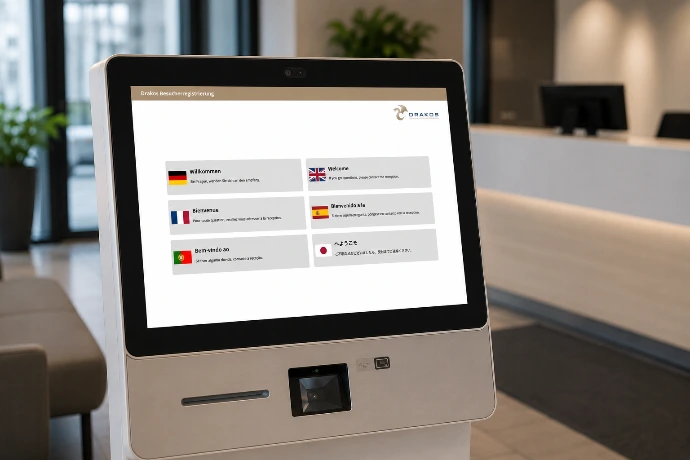
Your guests register in easily understandable steps, independent of location, on a standard tablet, PC, or IPC.
Pre-filling via QR code
To avoid misunderstandings and input errors, the inviting employee can fill out a pre-registration. In doing so, they specify all important details of the visit in advance.
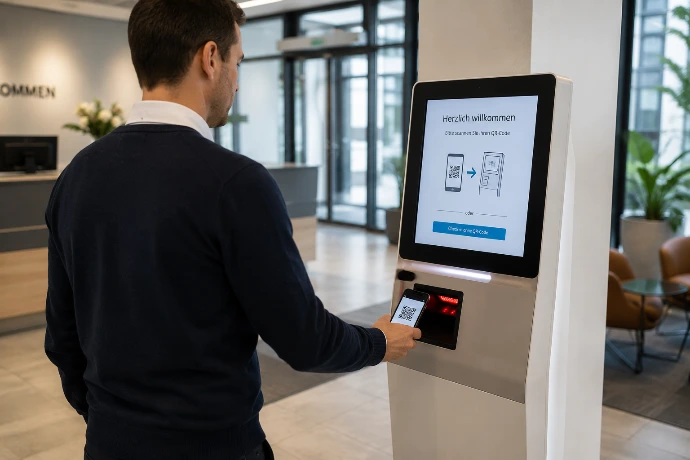
JaniVisit Pro sends the visitor an automatically generated QR code, which they just need to hold in front of the camera of the registration device. The input mask fills itself automatically, the visitor accepts, done!
What happens after check-in?
Once the visitor has registered, the inviting employee receives a notification via email, and the visitor is marked as active in the system. This is useful in companies that do not have a reception.
Alternatively, it is possible to classify the guest as expected and only mark them as active when they check in at reception.
Multilingual interface
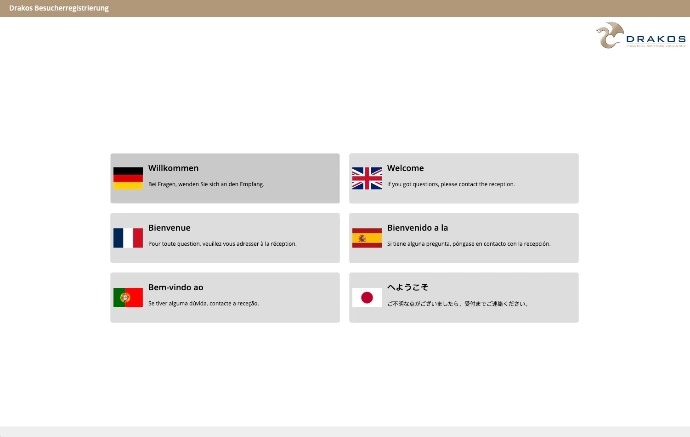
For international guests, the interface for visitor self-registration is also available in English. The selection of the language is a separate operation step and therefore cannot be overlooked.